 PairCraft
Before the timer starts
Open the private link from the hiring team. Check the time limit and the notice explaining which work and session activity your hiring team can see. The ticket opens beside the assistant when you start. If you need an accommodation, an alternative format or a different time, contact your interviewer before starting.
In the workspace
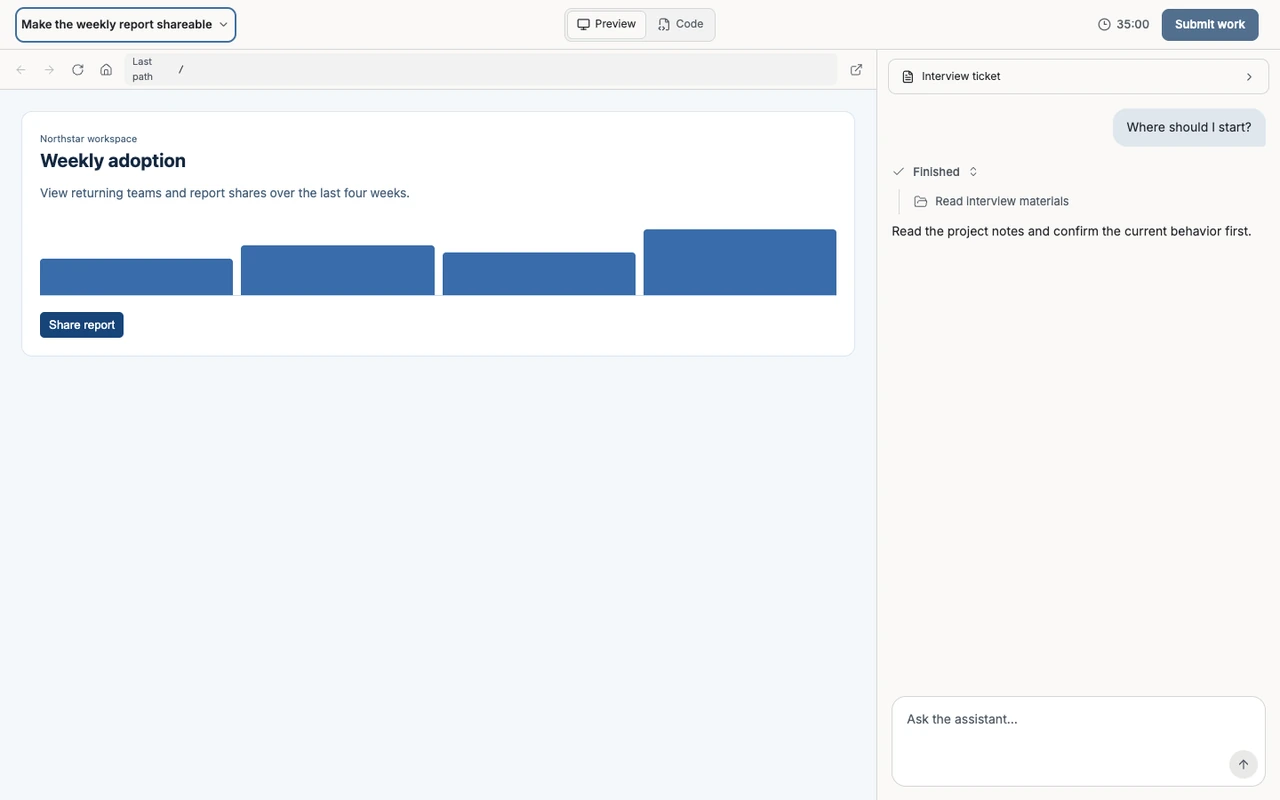
The ticket and assistant open beside the project, or below it on a phone. Edit files yourself or ask the assistant to make a change, then use Changes to compare your work with the starter. Try the preview or simulator. You can leave optional handoff notes.
If you disconnect
Reopen the same private invitation to resume an active interview. The clock keeps running. Look for the saved status before closing your tab and tell your interviewer if an interruption affected your work.
Submitting
Use Submit work to finish early. Your latest saved work is submitted when the timer expires. The hiring team is your contact for feedback and next steps.